
Complete client profiles
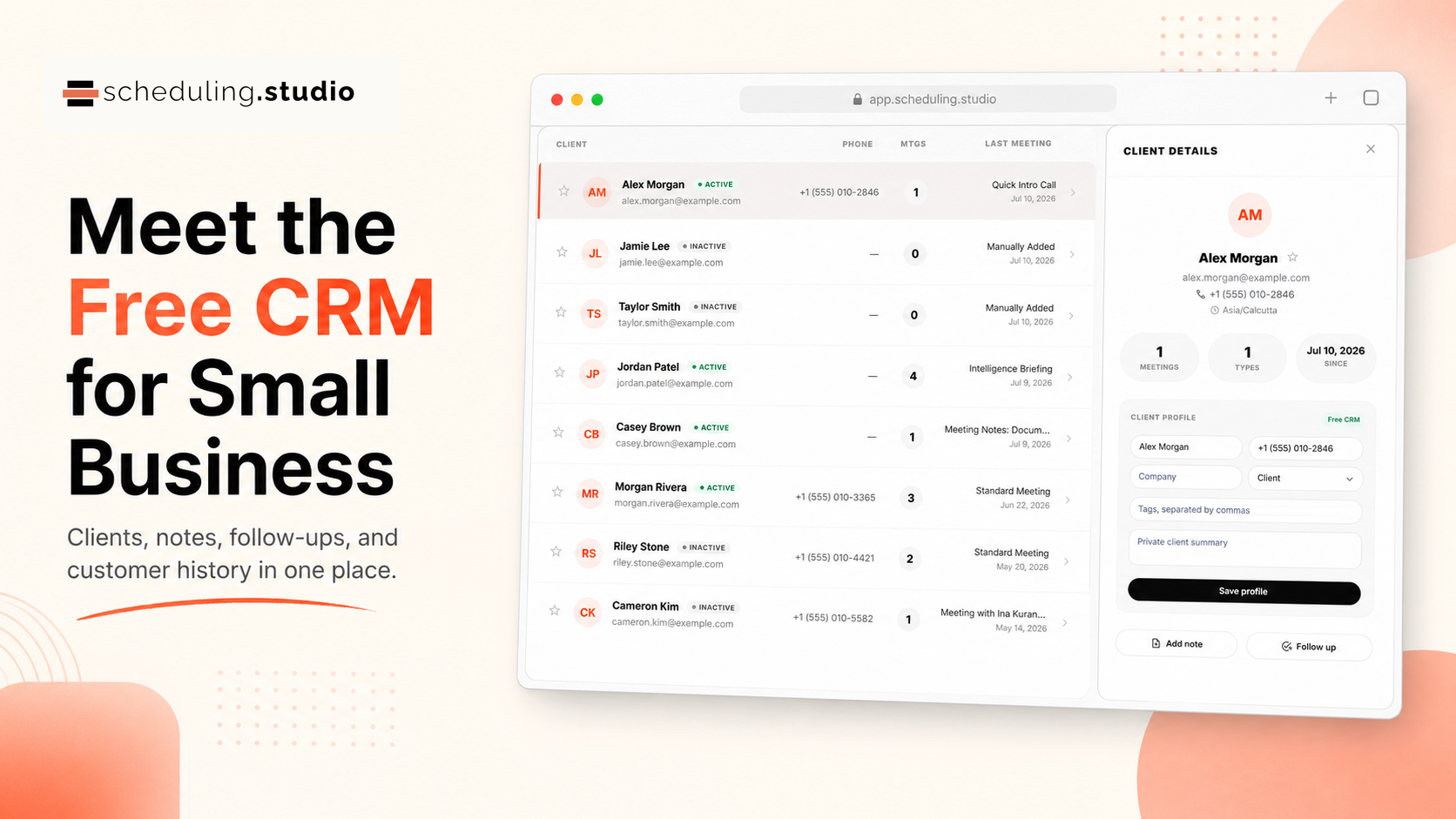
Store contact details, company, timezone, tags, lifecycle stage, private summary, and email-consent status.
Scheduling Studio gives small businesses one place to manage client profiles, meeting history, private notes, follow-ups, pipeline stages, and customer communication. The CRM is free and works alongside your booking calendar.
Included free
Start with useful customer management instead of configuring a complicated sales system.
Store contact details, company, timezone, tags, lifecycle stage, private summary, and email-consent status.
See appointments, calls, messages, emails, notes, tasks, automation activity, and invoices in one chronological timeline.
Add private notes, assign follow-up tasks, set due dates and reminders, and review overdue, today, and upcoming work.
Track new, contacted, qualified, proposal, won, and lost opportunities with deal values and expected close dates.
Download the provided CSV template, bring existing contacts with you, and export your customer data when you need it.
Archive old records, merge duplicates, record consent, honor unsubscribes, and confirm an existing business relationship before sending CRM email.
Scheduling plus relationships
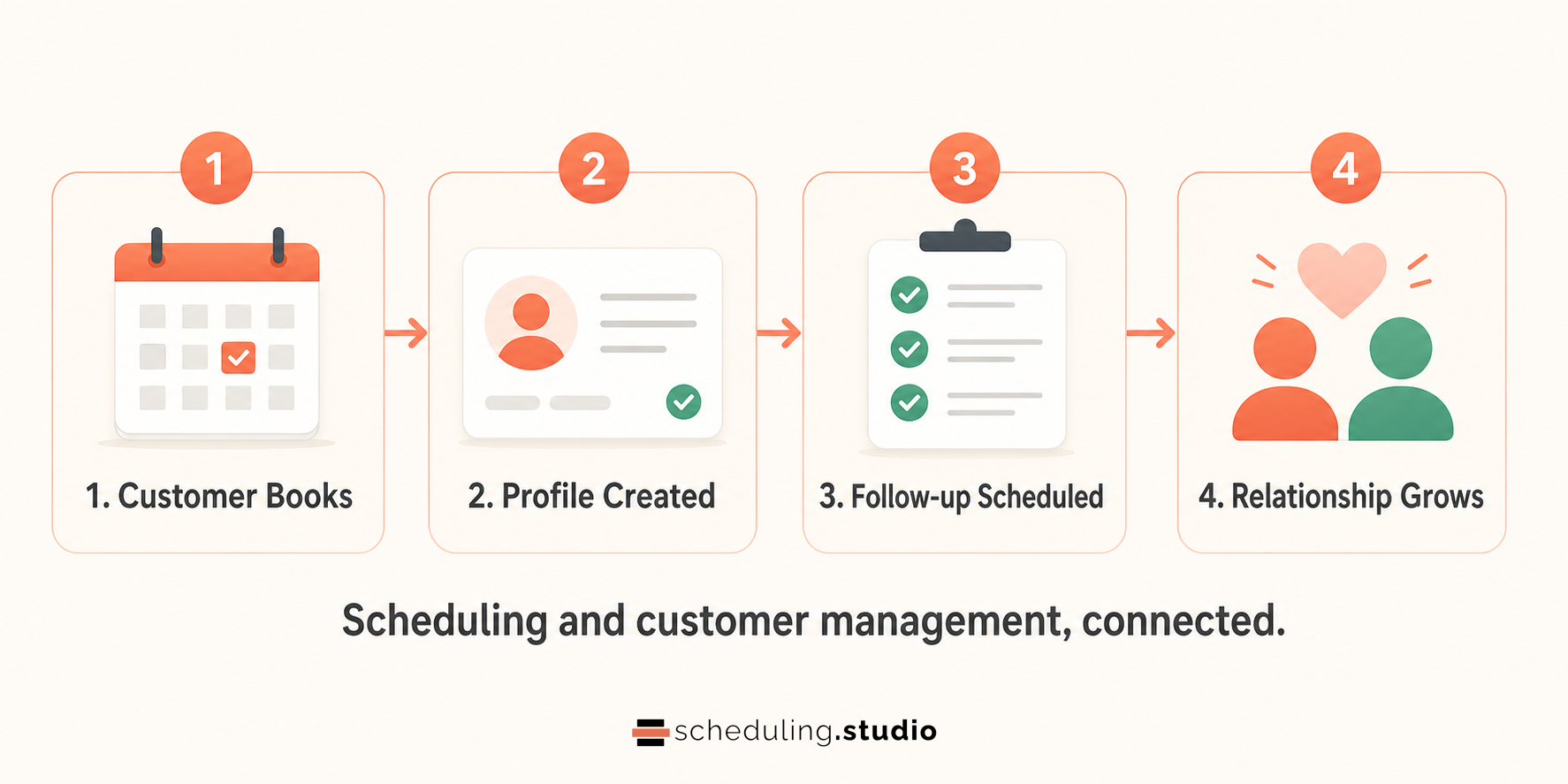
A client record should not be a disconnected address-book entry. Scheduling Studio brings meeting activity and CRM work together, so the next conversation starts with context.
Search by name, email, company, or tag and filter active, inactive, lead, archived, and favorite records.
Review scheduling and communication events without assembling the story across several tools.
Create the next task while the conversation is fresh, then work from one upcoming-actions view.
Optional invoicing
The CRM stays free. Eligible free accounts can start a 30-day invoicing trial with up to 5 invoices and online payment collection. No card is required to begin. Standard payment-processing fees apply. Continued invoicing after the trial requires an eligible paid plan.
Trial includes
Clear answers
Yes. Core client management, history, notes, follow-ups, pipeline tracking, CSV tools, archive and merge, and consent controls are included in the Free plan. Invoicing is separate.
Yes. Download the CRM CSV template, keep its header row, add your customer information, and import the file into Scheduling Studio.
The free CRM remains available. Existing invoices and payment history remain visible, but creating or sending new invoices requires an eligible paid plan after the trial ends.
Create your free account, connect your schedule, and start building useful customer history.